What Actually Triggers LinkedIn Spam Filters: The 6 Behavioral Signals Decoded
By Daniel Okoro, Outreach Tactics. Last updated: 2026-05-30
- Most reps trip three of these signals without knowing a threshold exists.
- The signal you control most, acceptance ratio, is the one volume actively destroys.
- A single report is noise. A report rate is a verdict.
- Extension blasts spike several signals at once, which is why they get caught fast.
What triggers LinkedIn's spam filter?
LinkedIn scores behavior over time, not single events. No one action restricts you. The platform watches a cluster of signals, compares them against your own baseline and against peer accounts, and acts when the pattern reads as automated or unwanted. That distinction matters: a rep who sends 40 invites in a calm week looks different from one who sends 40 in a single frantic hour, even though the count is identical.
The practical takeaway is that you are managing a reputation score, not avoiding a tripwire. The LinkedIn User Agreement prohibits automated activity and unsolicited bulk contact, and the Professional Community Policies frame the same idea in behavioral terms. The six signals below are how that policy gets enforced in practice. Knowing the safe zone for each is what keeps a personal account, the asset that pays a quota rep's rent, off the enforcement list.
Signal 1: does a low invite-acceptance ratio flag you?
Yes, acceptance ratio is the single largest reputation input you control, and chasing volume lowers it. When a high share of your invites sit ignored, LinkedIn reads it as "this person sends requests strangers do not want." The counterintuitive part is that sending more invites usually makes the ratio worse, not the total accepts better.
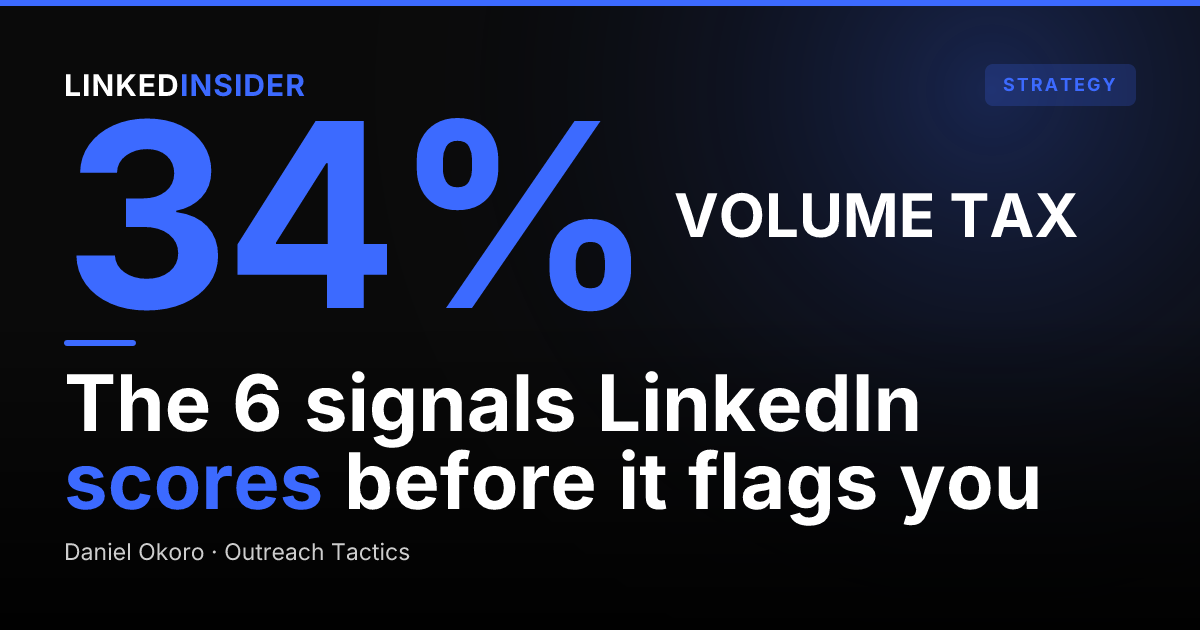
The data backs this up. Across 180,155 matured connection requests, Reachium's analysis found acceptance peaked at 32.01% for accounts sending 10-19 invites a day, then fell to 26.65% at 20-29 a day. More volume produced fewer accepts per send, a pattern the flagship benchmark study calls the volume tax. The ratio that protects your account is the same ratio you erode by blasting. Tighter targeting (sending to fewer, better-fit people) raises acceptance and lowers risk at the same time. If your accepts have been sliding, the problem is usually list quality before it is anything else, and the data on whether LinkedIn outreach is saturated shows targeting beats volume every time. [SYNTHESIS]
Want to put this into practice?
Reachium automates LinkedIn outreach, content publishing, and inbox management in one platform.
Start Free →Signal 2: how much do withdraws and ignored invites hurt?
Pending and withdrawn invites quietly feed the same reputation score as a low acceptance ratio. A large stack of invites that nobody accepts tells LinkedIn the recipients did not want contact, which is the textbook definition of unsolicited outreach. Withdrawing them can clean up the visible pending count, but it does not erase the signal that those people declined to connect in the first place.
The safe zone is to keep your pending pile small by sending fewer, better-targeted invites rather than mass-clearing a bloated queue. If you are already near LinkedIn's weekly invite ceiling, the right move is to slow down and improve fit, not to withdraw and re-send. The guide on hitting the connection limit and what to do next walks through how to recover without spiking this exact signal.
Signal 3: what do message-report rate and identical-message fingerprinting do?
A single report is noise. A report rate is a verdict. LinkedIn expects the occasional "this is spam" tap, so one report rarely matters. A rising rate across many recipients is a strong, hard-to-fake signal that your messages are unwanted, and it is weighted heavily because reporters are taking a deliberate action.
Identical message bodies sent to many people are the easiest pattern for LinkedIn to fingerprint as templated bulk. When the same text lands in hundreds of inboxes, the system does not need to read intent; it just matches strings. This is why personalization is a safety move, not only a reply-rate move. Messages that vary by person do not fingerprint, and they also get answered more, which is the same lesson behind why most LinkedIn InMail gets ignored. If your DMs are already getting marked as spam, identical copy is the first thing to fix.
Signal 4: do link-heavy DMs trip the filter?
Early external links in a first or second message correlate with spam behavior, so they raise your score. Dropping a Calendly URL, a tracked link, or a pitch deck before any relationship exists looks like the pattern spammers use, and LinkedIn treats it accordingly. The link itself is not banned; the timing and frequency are what get scored.
The safe zone is to earn the link. Open with relevance, exchange a couple of replies, then share a resource once the recipient has signaled interest. This is the same reason cold, link-first sequences underperform on reply rate: people, and the filter, both read them as broadcasts. Reps who send a thousand connection requests the wrong way usually fail here, leading with a link instead of a reason.
Want to put this into practice?
Reachium automates LinkedIn outreach, content publishing, and inbox management in one platform.
Start Free →Signal 5: do velocity spikes and odd timing get caught?
Sudden volume spikes read as non-human, and they are the classic Chrome-extension fingerprint. A person sends in bursts shaped by their actual workday. A browser-automation tool sends a flat, rapid stream of identical actions at 2 a.m. or fires 80 invites in ten minutes. LinkedIn's systems are tuned to spot exactly that rhythm, which is why extension blasts trip several signals at once: velocity, fingerprinting, and acceptance ratio all degrade together.
Steady, human-paced cadence reads as human. That means spreading invites across normal working hours and keeping daily volume in a calm band rather than dumping a week's quota into one session. Timing matters here too, and the data on the best time to send LinkedIn messages shows that natural send windows both perform better and look safer. The public HeyReach account-ban event in March 2026 is a reminder that browser-automation rhythms still draw platform-side enforcement; the architecture you send through is itself a signal.
What sending pattern keeps all six signals in range?
The pattern that stays clear on every signal is human-paced sending, true personalization, tight targeting, and a verified API rather than browser automation. These reinforce each other. Tight lists raise acceptance (Signal 1) and shrink the pending pile (Signal 2). Personalization kills fingerprinting (Signal 3) and lowers report rate. Earning the link before sending it clears Signal 4. Steady cadence handles Signal 5. And sending through the official API instead of a Chrome extension removes the underlying automation fingerprint that Signal 5 is built to catch.
Reachium's own data is the clearest evidence the safe zone is reachable at scale: across those 441,965 sequences, the average was about 22.42 invites per active day with a 27.11% acceptance rate, and no permanent bans appear in the dataset. The worst case in the data was a recoverable rate-limit, calibrated around 25 invites a day. That is the entire point: you do not have to micromanage six dials by hand if your sending profile is human by default. [SYNTHESIS]
FAQ
What is a safe number of invites per day on LinkedIn?
Stay in a calm band rather than a hard ceiling. Reachium's data shows acceptance peaks at 10-19 invites a day and degrades above 20, and the platform caps around 25 a day as a safety calibration, so the safe and high-performing zone are the same place.
Does withdrawing pending invites help or hurt?
Withdrawing cleans up the visible pending count but does not erase the signal that those people declined to connect. The better fix is sending fewer, better-targeted invites so the pending pile never bloats in the first place.
Can identical templates get my account restricted?
Yes, identical message bodies sent to many recipients are the easiest pattern for LinkedIn to fingerprint as templated bulk. Varying messages by person both clears that signal and improves replies.
How does LinkedIn detect Chrome-extension automation?
It watches for non-human rhythms: flat rapid send streams, volume spikes, off-hours activity, and identical repeated actions. A verified-API tool avoids this because it sends through the official channel at human pace instead of driving a browser.
Want to put this into practice?
Reachium automates LinkedIn outreach, content publishing, and inbox management in one platform.
Start Free →